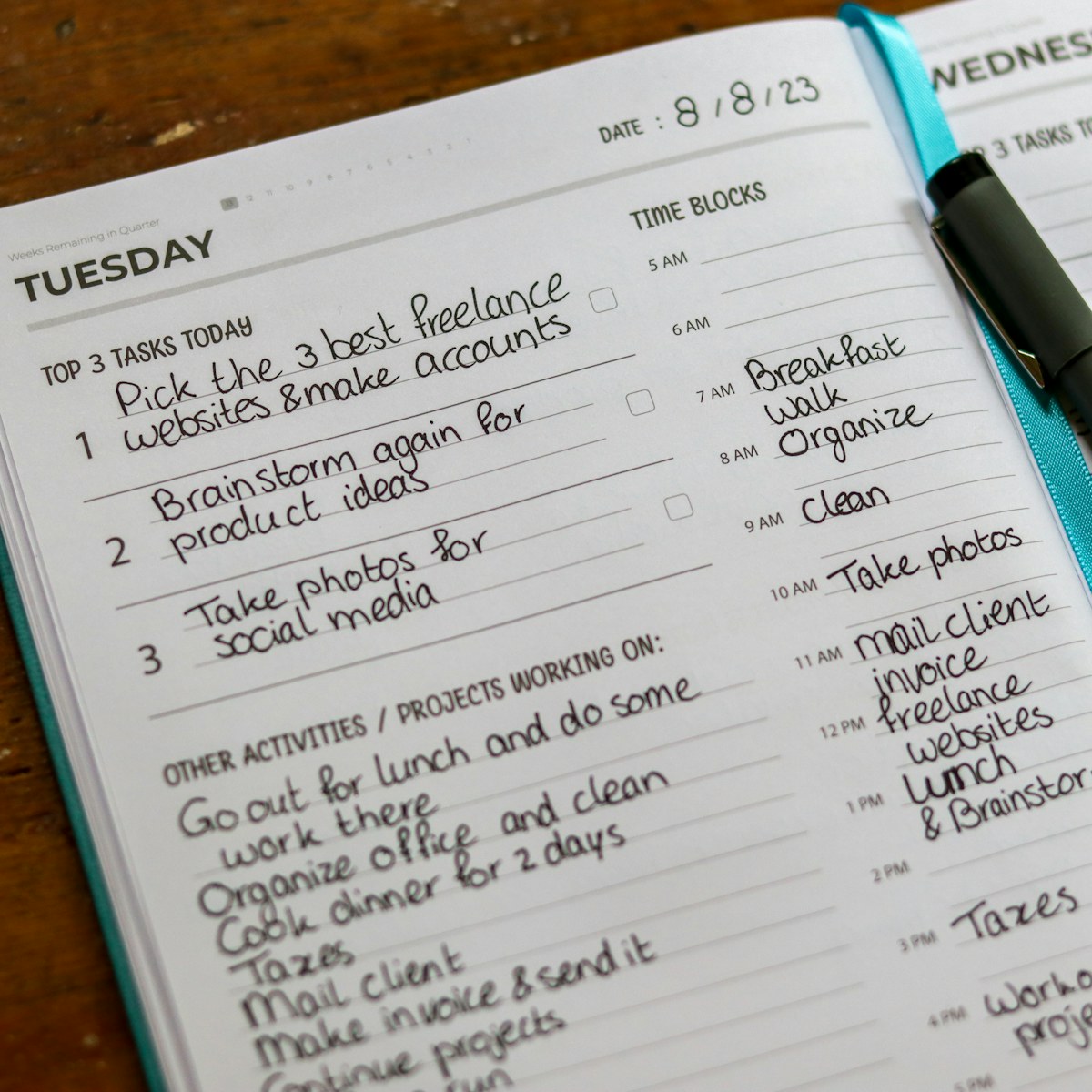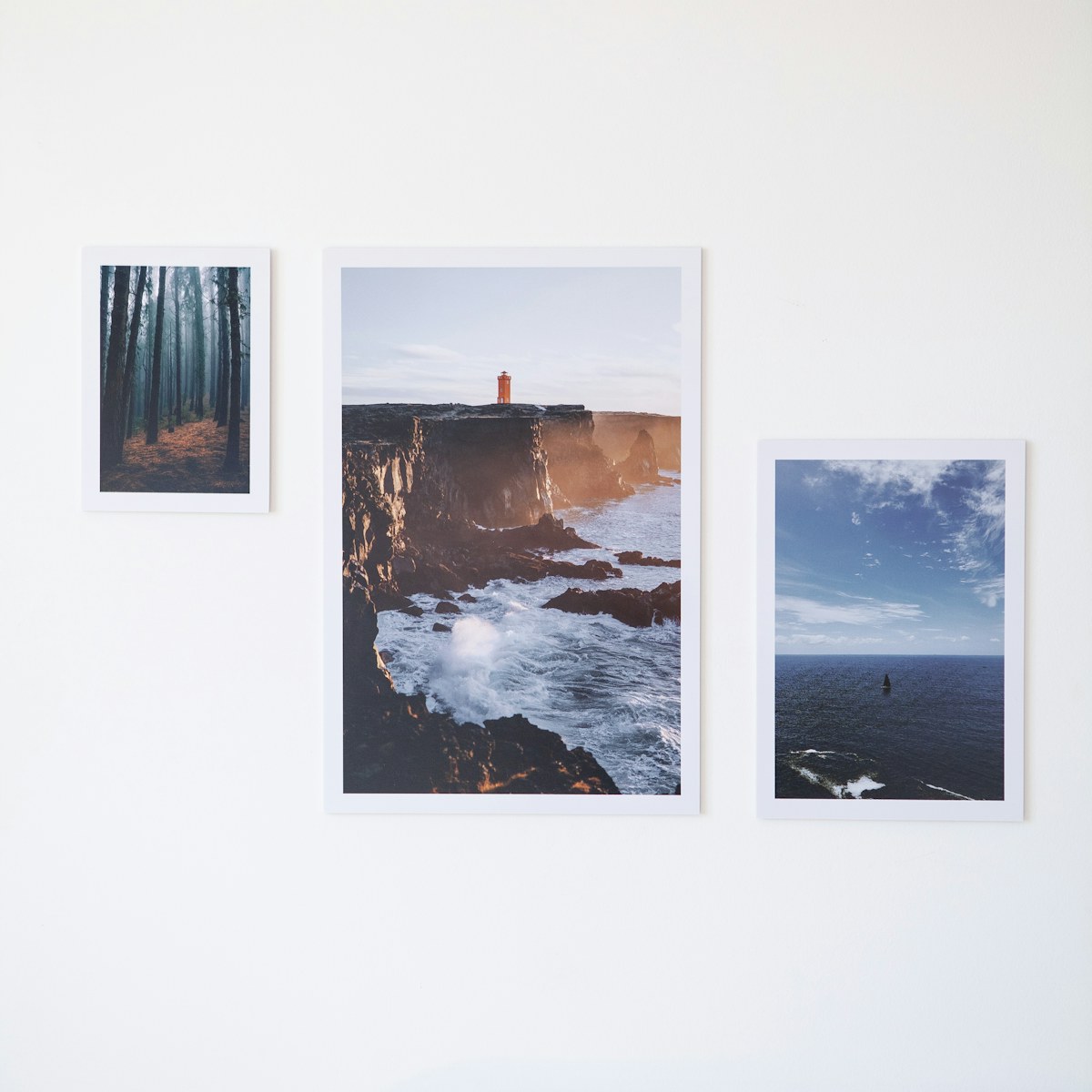
A camera roll can hold many lovely details and still be difficult to revisit. A small themed folder gives a few pictures a place together without requiring you to organize every photograph you have ever taken.
Choose a narrow theme
Try one afternoon, a month of window views, or the stages of a small home project. The theme should make selection easier. If every photograph seems to belong, make the subject smaller. Start with a handful of images so you can finish the folder in one sitting rather than turning it into a complete archive overhaul.
Keep the pictures that add something
When two photographs show nearly the same thing, decide whether both contribute a different detail. You do not need to remove the originals just to make a curated folder. Check how your photo app handles albums, duplicates, and deletion before making changes. A small selected set and a complete personal archive can serve different purposes.
Add a sentence of context
Write a short description with the folder or use captions if your app supports them. Include what you were noticing or how the sequence fits together. A detail such as “the desk before and after moving it toward the window” can explain the story better than a date alone. Keep the note private if it contains personal information.
Decide separately what becomes public
A personal collection is not automatically a public post. Before sharing, check faces, addresses, screens, documents, and location details in the photographs. Ask permission where needed, and choose an audience deliberately. For a life-sharing story, a few relevant pictures with a clear explanation can offer more than a large upload with no context.
What small theme would bring a few of your everyday photographs together?
This is an original editorial example, drafted with AI assistance for the Little Days preview. It is not a submitted user story or a claim of personal experience. The photo is illustrative stock photography.